More than “Just a Calculator"

Reimagining a TAM Calculator tool that feels as simple as a calculator, but handles the messy reality of market sizing for PMs, RevOps, and Finance.

Role:

Product Designer (solo)

Timeline:

April 2023 - Feb 2024;
11 Months

Skills:

→ User Experience
→ Market Research
→ IA & Product Architecture
→ Visual Design

→ Design systems

→ Prototyping

Team:

→ Myself

→ Product Manager
→ Delivery Manager

→ Frontend &Backend Engineers

→ Data Analyst

→ QA
Project Overview:

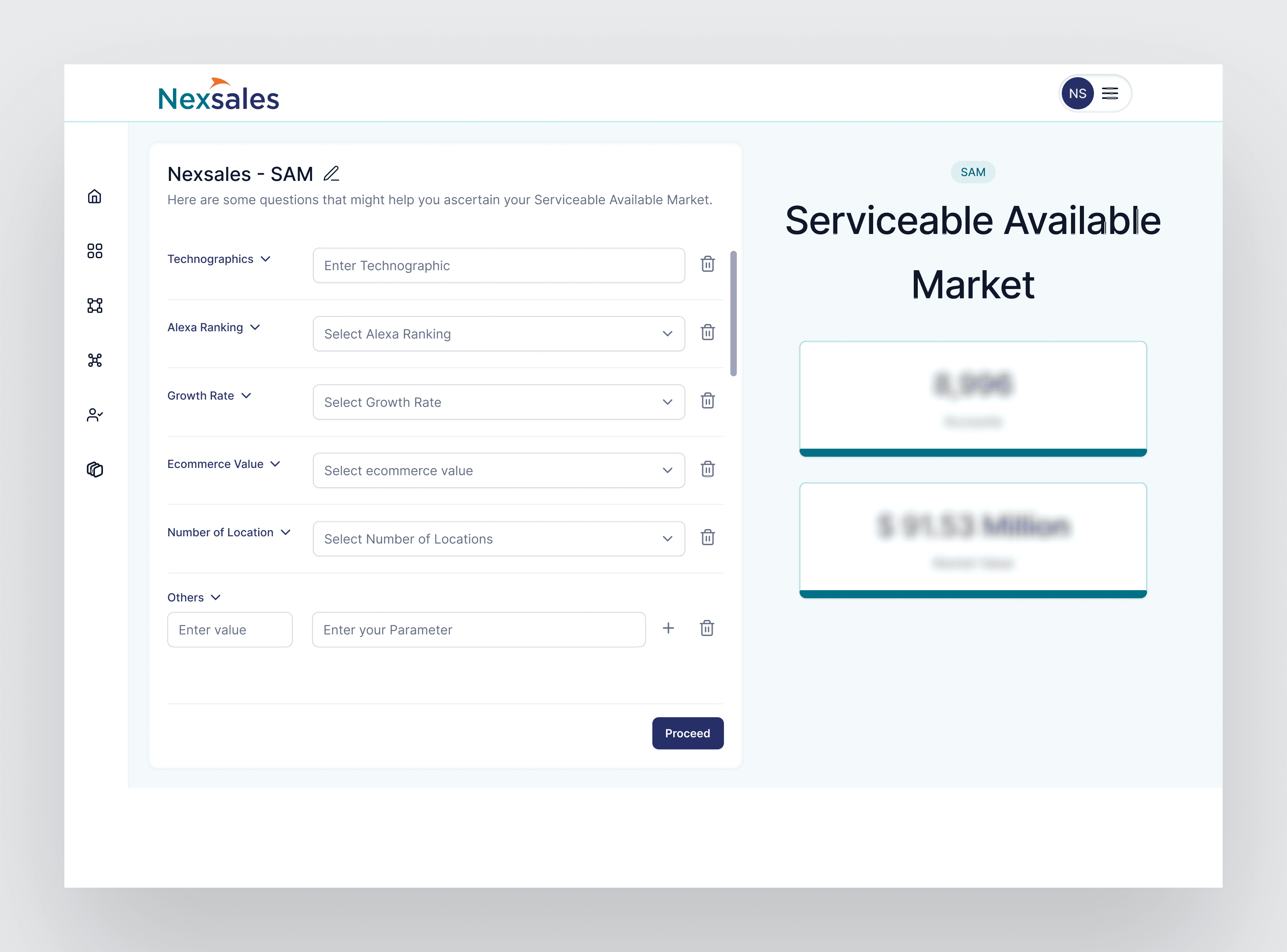
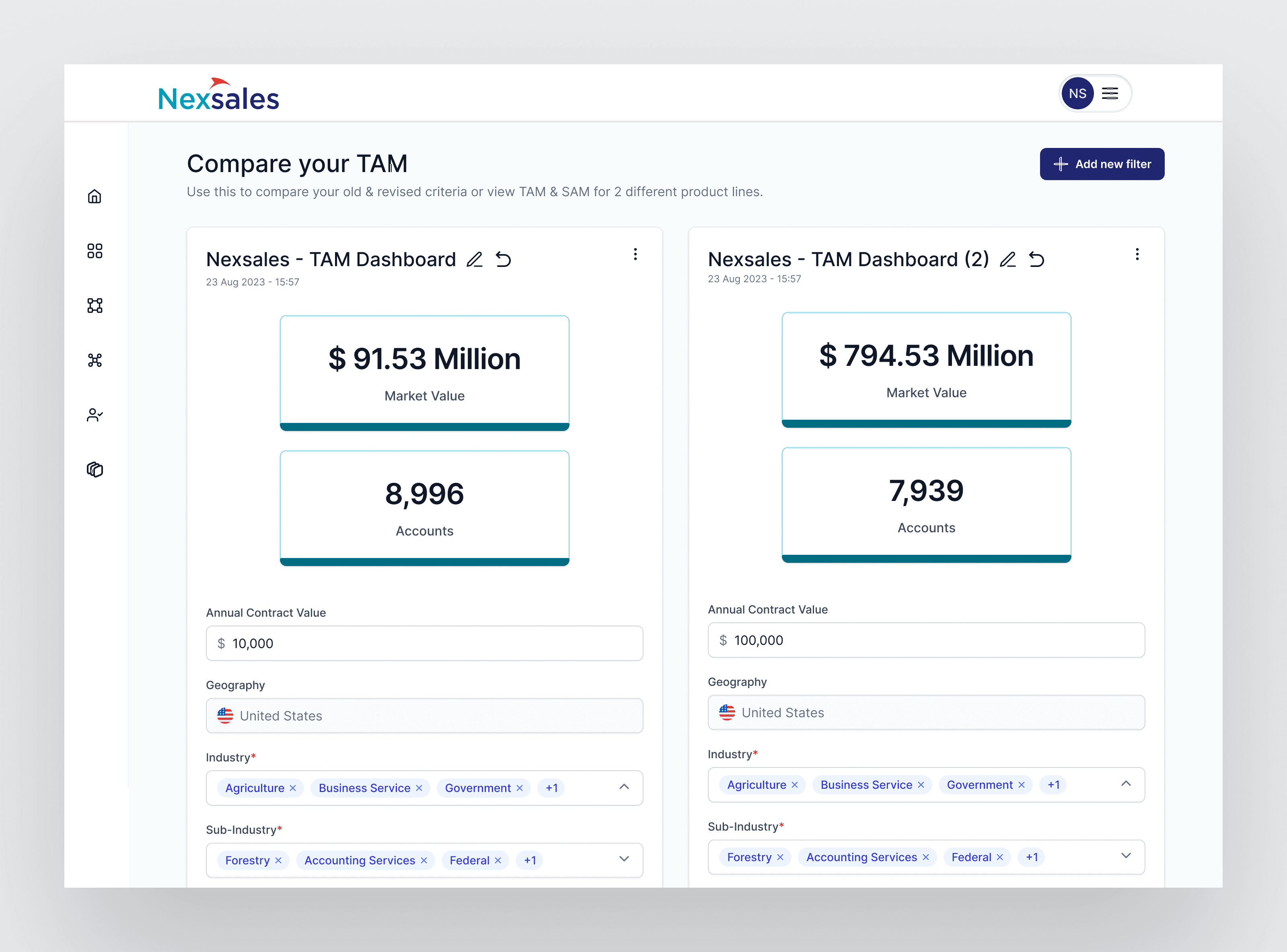
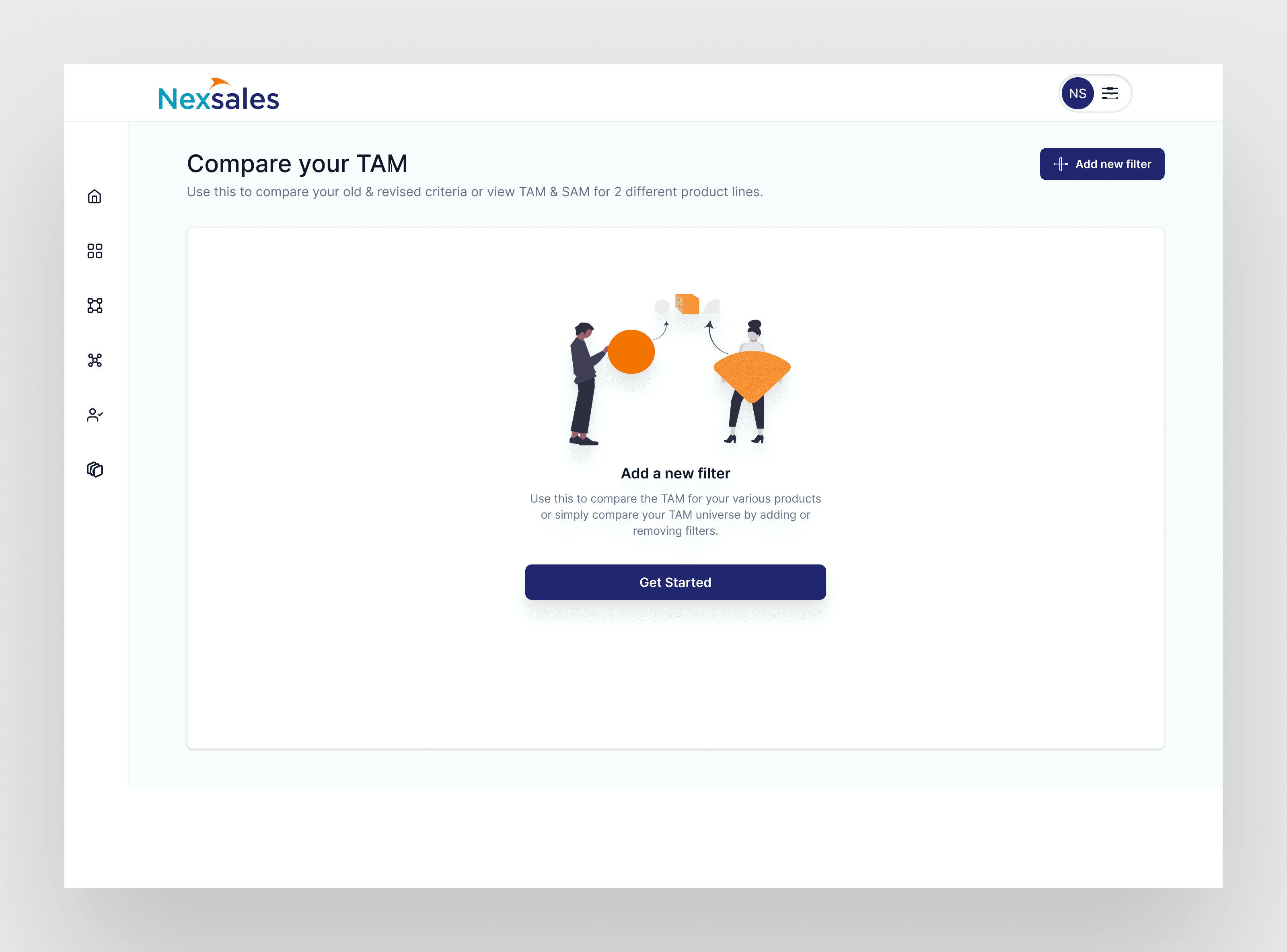
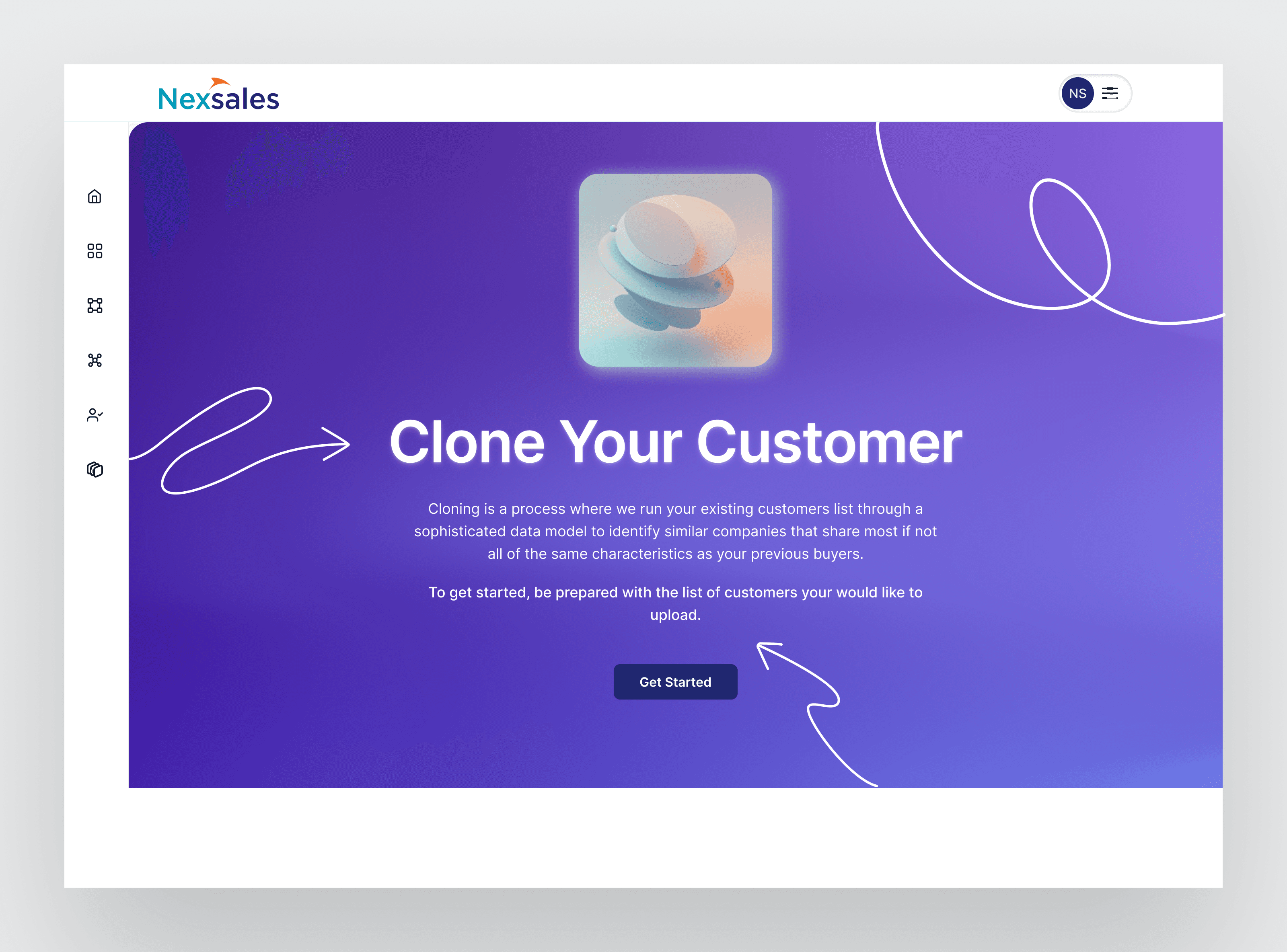
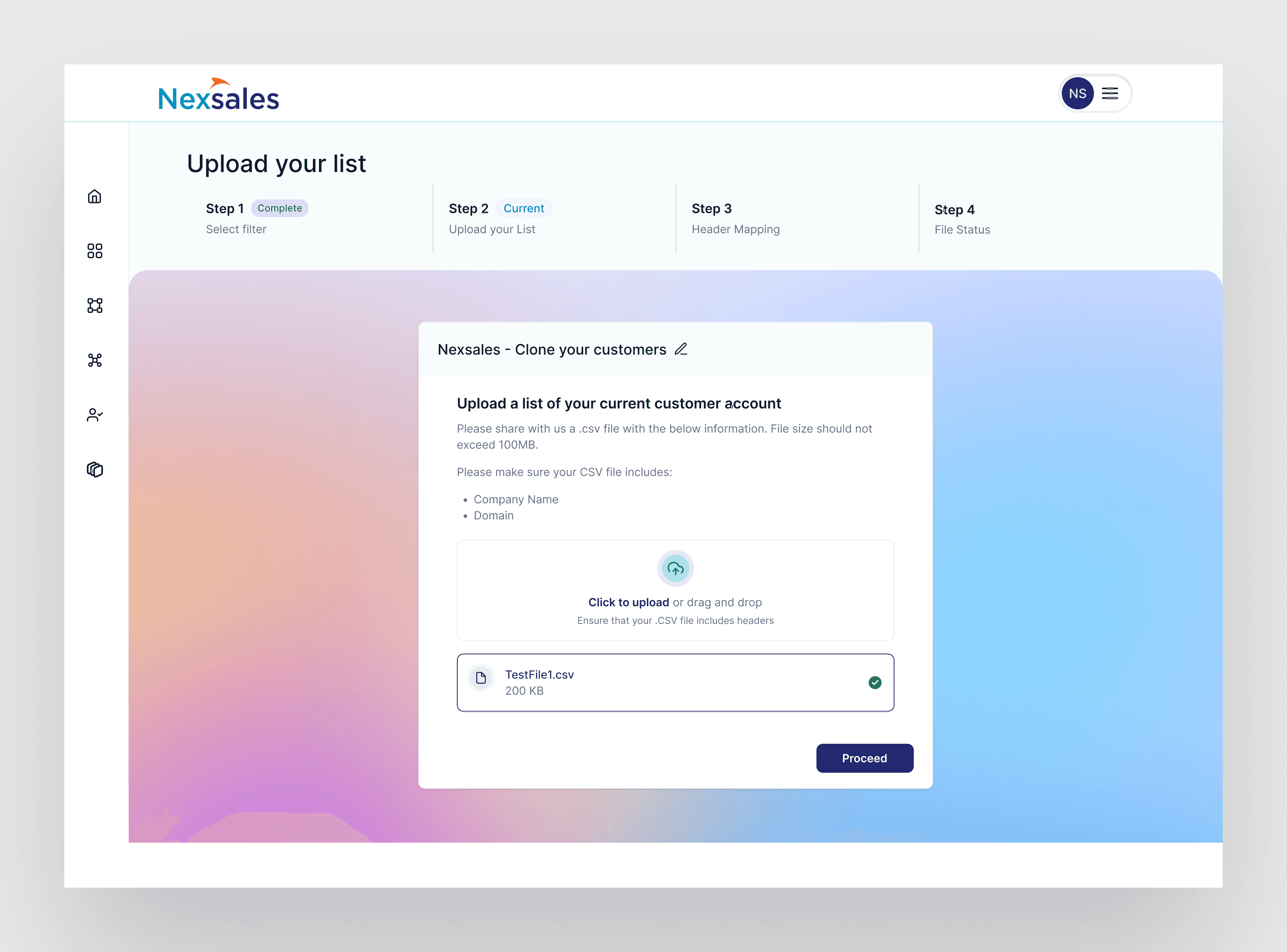
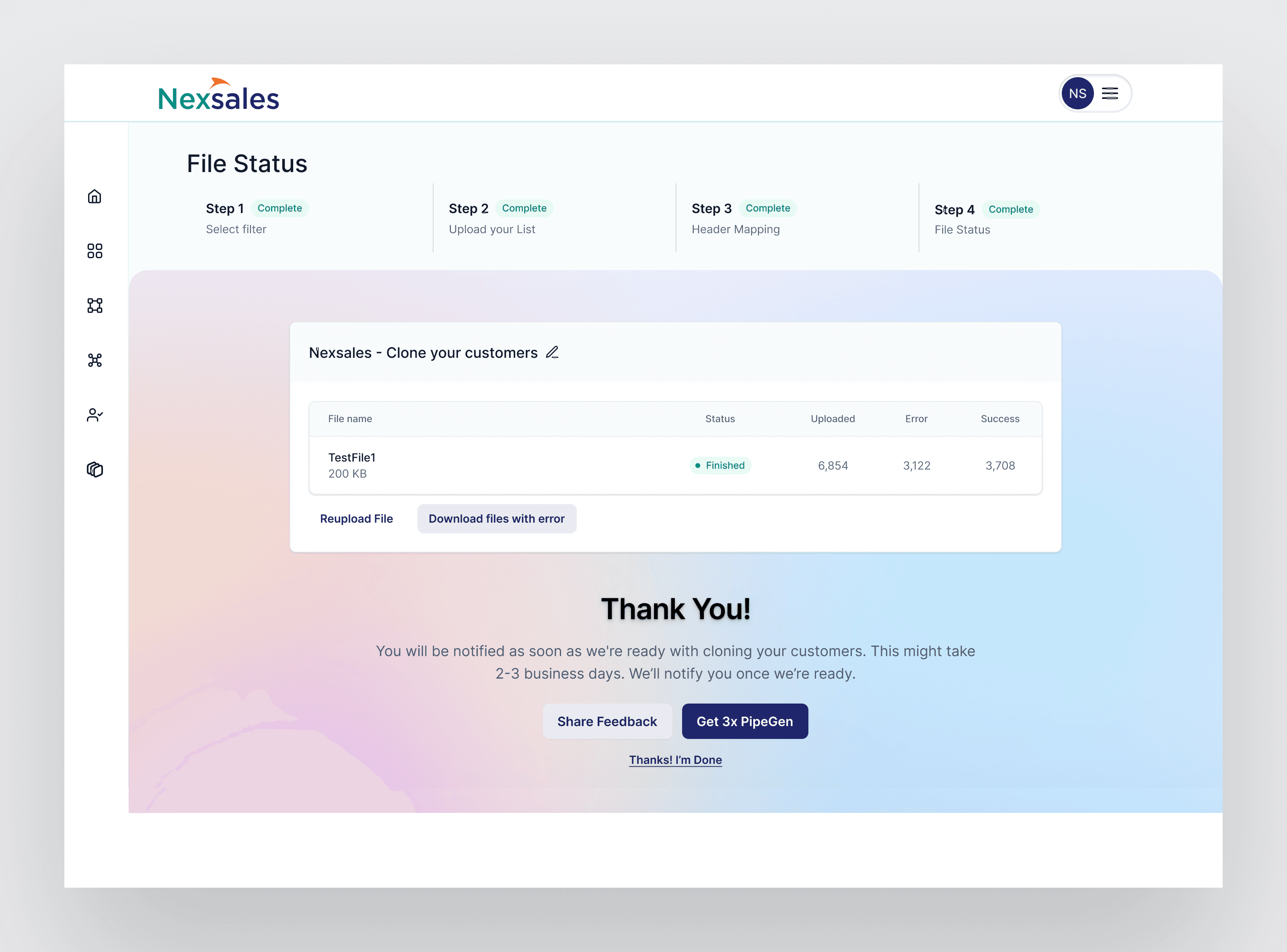
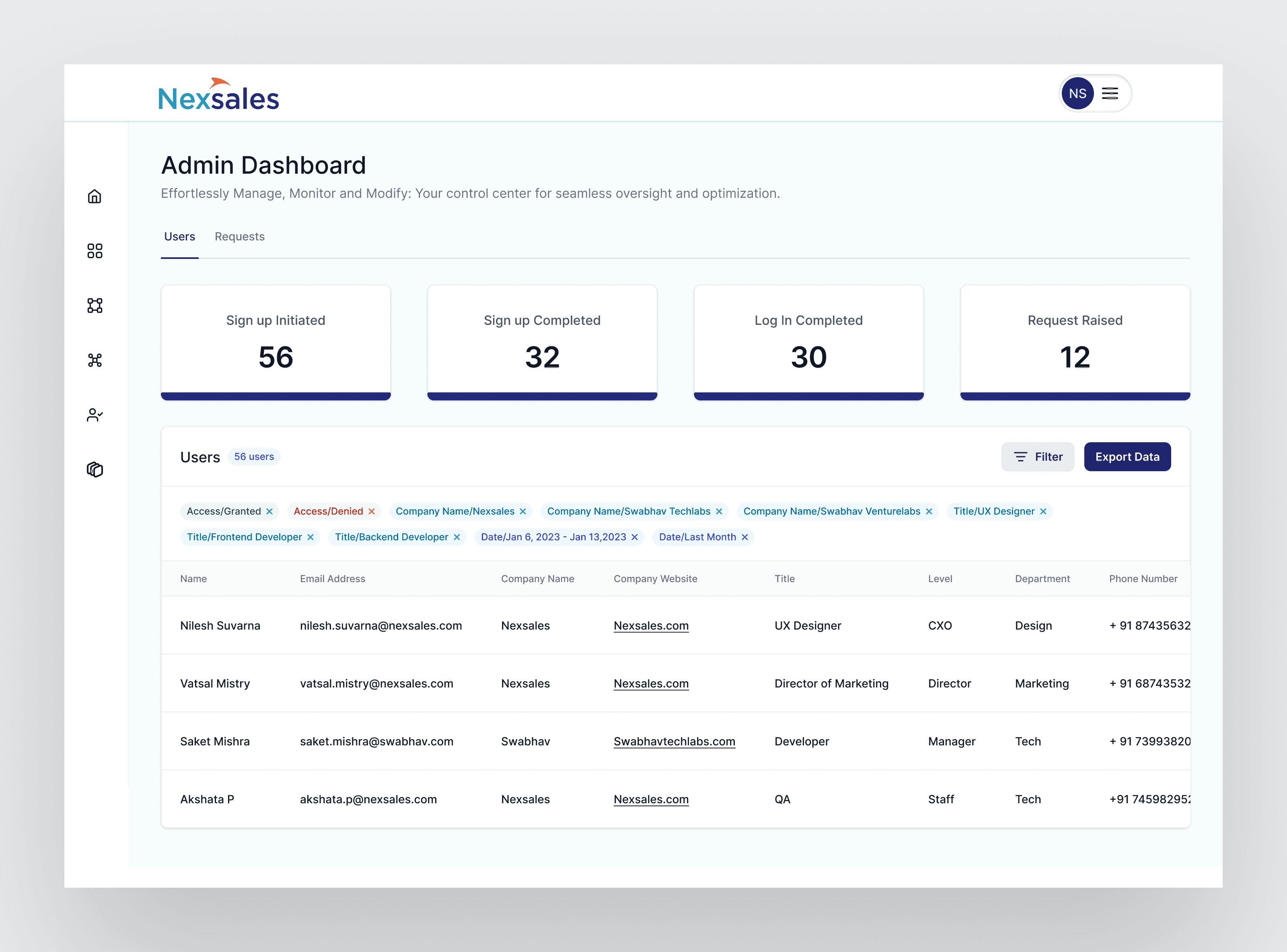
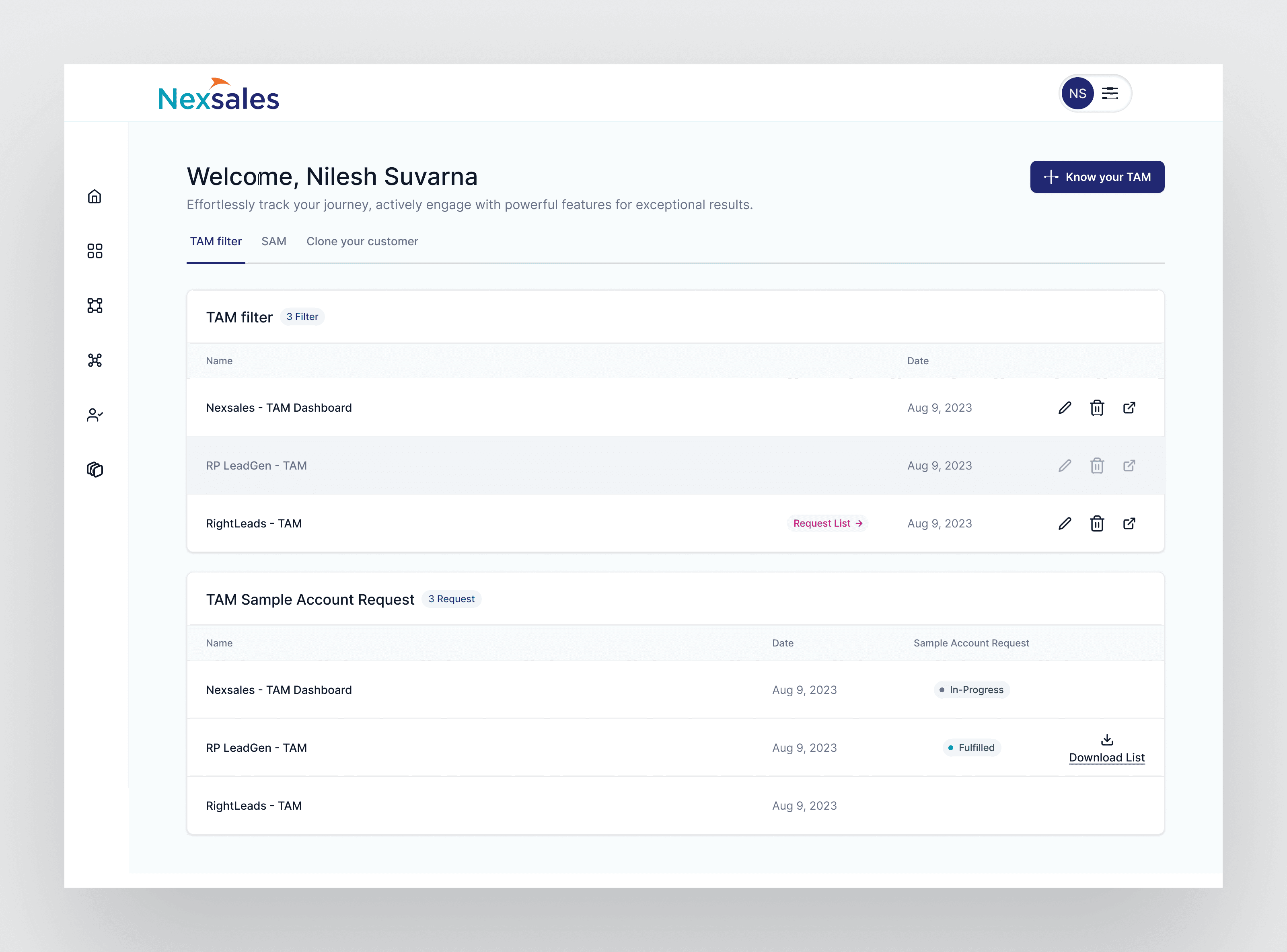
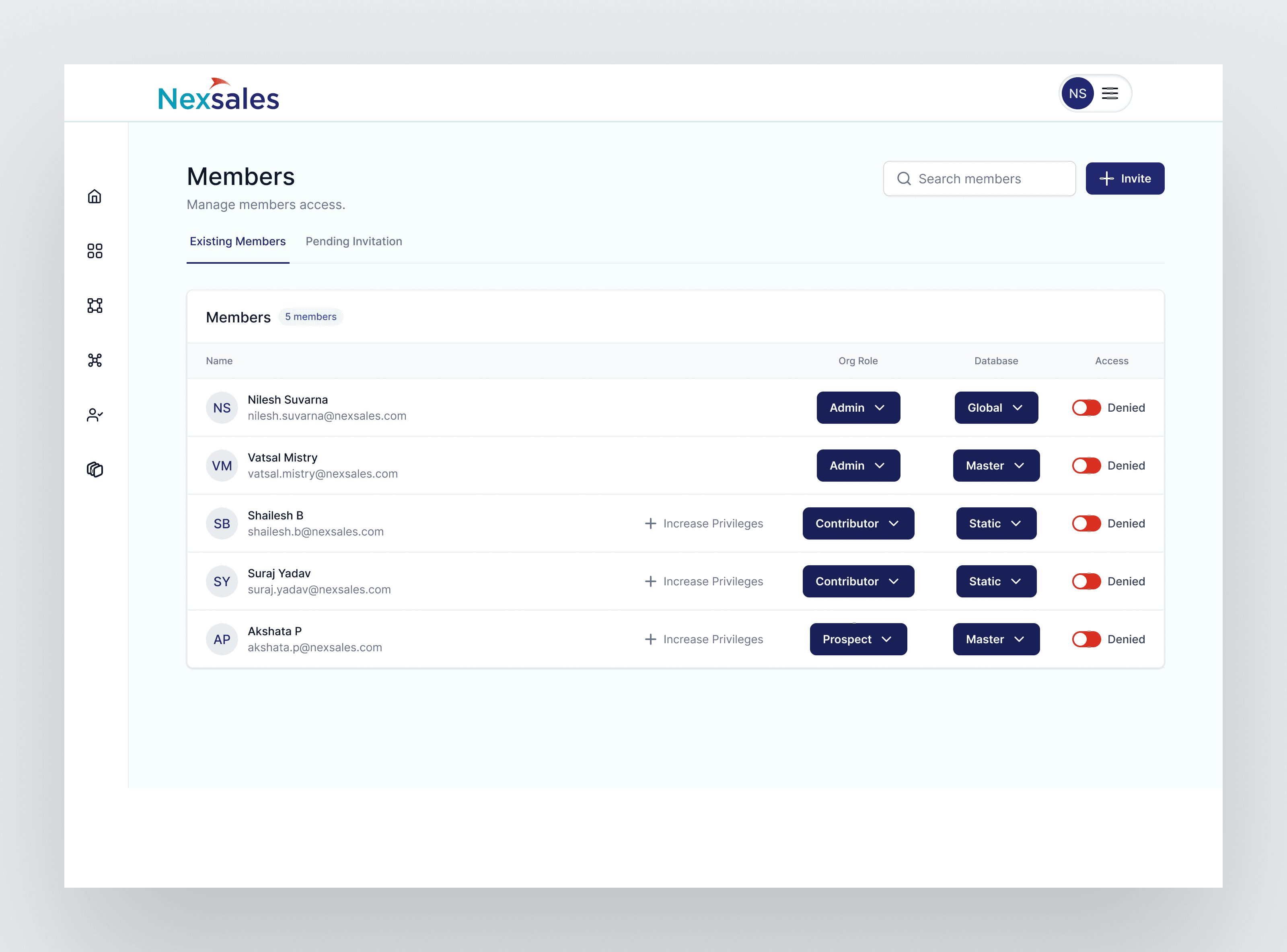
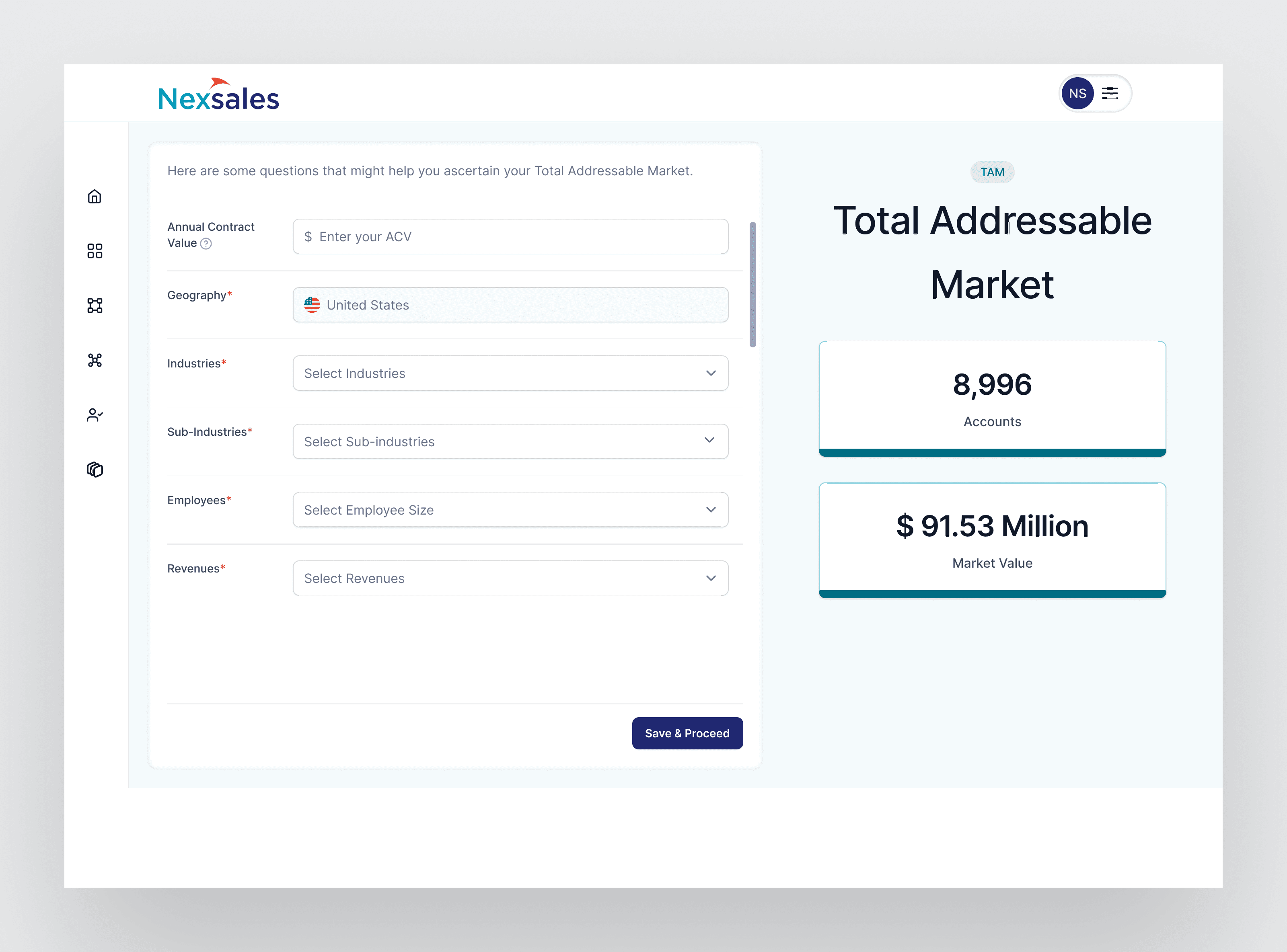
TAM Calculator is a tool that helps PMs, RevOps and Finance build TAM/SAM/SOM without dealing with big Excel files. It shows the math behind every number and lets teams export board‑ready charts with clear footnotes. The free version focuses on Total Addressable Market (TAM) report, while the paid version adds Serviceable Addressable Market and Customer Fit with Ideal Customer Profile and “Clone Your Customer” planned next.

Main Challenges:

  • Spreadsheets were slow and easy to break. Teams used big Excel files for TAM, which took time to update and often broke, so people started to doubt the numbers.​

  • People couldn’t explain the numbers. PMs and RevOps struggled to walk others through how TAM was calculated, which made reviews difficult.​

  • Free and paid felt disconnected. The tool needed a simple starting point for TAM, but also a smooth way to grow into SAM and Customer Fit without starting again.​

Process:

Discovery and pain points

  • Stakeholder interviews (PM, RevOps, Finance) and understanding their perspective on how the calculator should look and work.

  • Understanding of similar tools in the market through quick market research.

Analysis

  • Synthesised insights from stakeholder interviews and market competitors.

  • Pinpointed critical areas for prioritisation.

  • Developed strategies to convert casual users into power users

Design

  • Implemented standard design patterns for consistent navigation and logical information architecture.

  • Focused on addressing identified pain points and implemented an iterative design process.

  • Created intuitive interfaces that solve all user problems.

  • Created prototypes for a new software integrating all departments.

Validation and iteration

  • Implemented MS Clarity for monitoring and regularly presented changes to stakeholders

  • Incorporated stakeholder feedback into subsequent iterations

  • Fostered a sense of community among key stakeholders through design
Outcomes:

  1. Business leaders said the new calculator made assumptions and numbers “much easier to trust” during reviews.

  2. Developers called out the handoff as “straightforward”, making it easier to translate Figma flows into a maintainable codebase.

  3. Teams liked comparing TAM scenarios and sharing board‑ready charts with consistent footnotes across departments.

  4. BDR and business teams highlighted how much simpler it became to size markets without wrestling with complex spreadsheets.

Outcomes:

  1. Business leaders said the new calculator made assumptions and numbers “much easier to trust” during reviews.

  2. Developers called out the handoff as “straightforward”, making it easier to translate Figma flows into a maintainable codebase.

  3. Teams liked comparing TAM scenarios and sharing board‑ready charts with consistent footnotes across departments.

  4. BDR and business teams highlighted how much simpler it became to size markets without wrestling with complex spreadsheets.

Outcomes:

  1. Business leaders said the new calculator made assumptions and numbers “much easier to trust” during reviews.

  2. Developers called out the handoff as “straightforward”, making it easier to translate Figma flows into a maintainable codebase.

  3. Teams liked comparing TAM scenarios and sharing board‑ready charts with consistent footnotes across departments.

  4. BDR and business teams highlighted how much simpler it became to size markets without wrestling with complex spreadsheets.

Key Learnings:

  1. Clarity beats complexity - Showing inputs and formulas clearly builds more trust than adding advanced controls.

  2. Design and dev must agree on definitions - Shared terminology for segments, filters and outputs made the calculator easier to build and maintain.

  3. Free and paid must feel connected - Designing TAM, SAM and Customer Fit as one system avoided dead‑ends when users upgraded.

  4. Analytics guide iteration - Tools like MS Clarity plus stakeholder feedback helped refine flows without guessing.

Key Learnings:

  1. Clarity beats complexity - Showing inputs and formulas clearly builds more trust than adding advanced controls.

  2. Design and dev must agree on definitions - Shared terminology for segments, filters and outputs made the calculator easier to build and maintain.

  3. Free and paid must feel connected - Designing TAM, SAM and Customer Fit as one system avoided dead‑ends when users upgraded.

  4. Analytics guide iteration - Tools like MS Clarity plus stakeholder feedback helped refine flows without guessing.

Key Learnings:

  1. Clarity beats complexity - Showing inputs and formulas clearly builds more trust than adding advanced controls.

  2. Design and dev must agree on definitions - Shared terminology for segments, filters and outputs made the calculator easier to build and maintain.

  3. Free and paid must feel connected - Designing TAM, SAM and Customer Fit as one system avoided dead‑ends when users upgraded.

  4. Analytics guide iteration - Tools like MS Clarity plus stakeholder feedback helped refine flows without guessing.

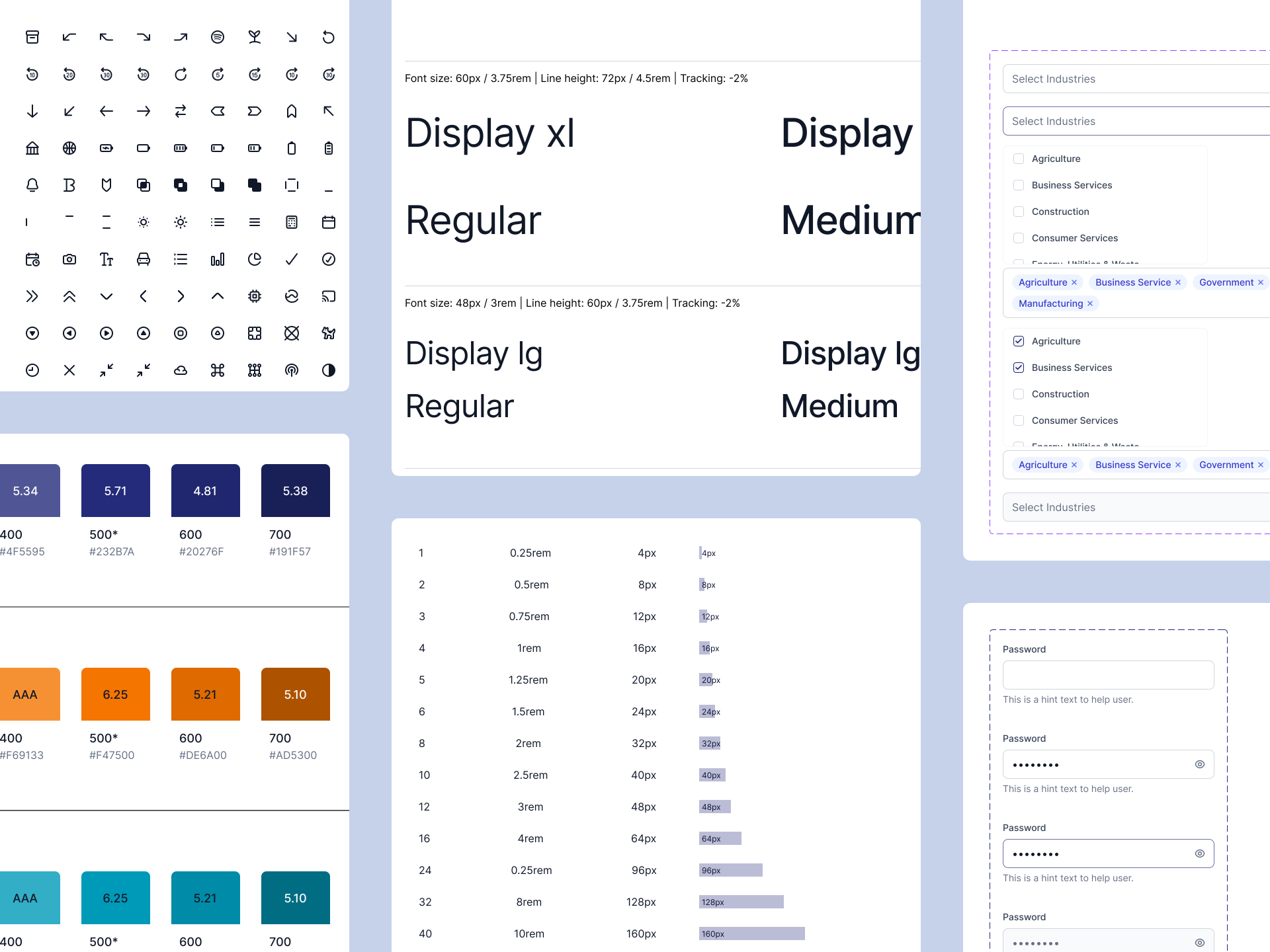
Components:

Thanks for reading, like what you saw
I'd love for us to connect.

Thanks for reading, like what you saw
I'd love for us to connect.

Thanks for reading, like what you saw
I'd love for us to connect.

Get in touch

work.with.nileshsuvarna@gmail.com

Get in touch

work.with.nileshsuvarna@gmail.com

Get in touch

work.with.nileshsuvarna@gmail.com

Create a free website with Framer, the website builder loved by startups, designers and agencies.